
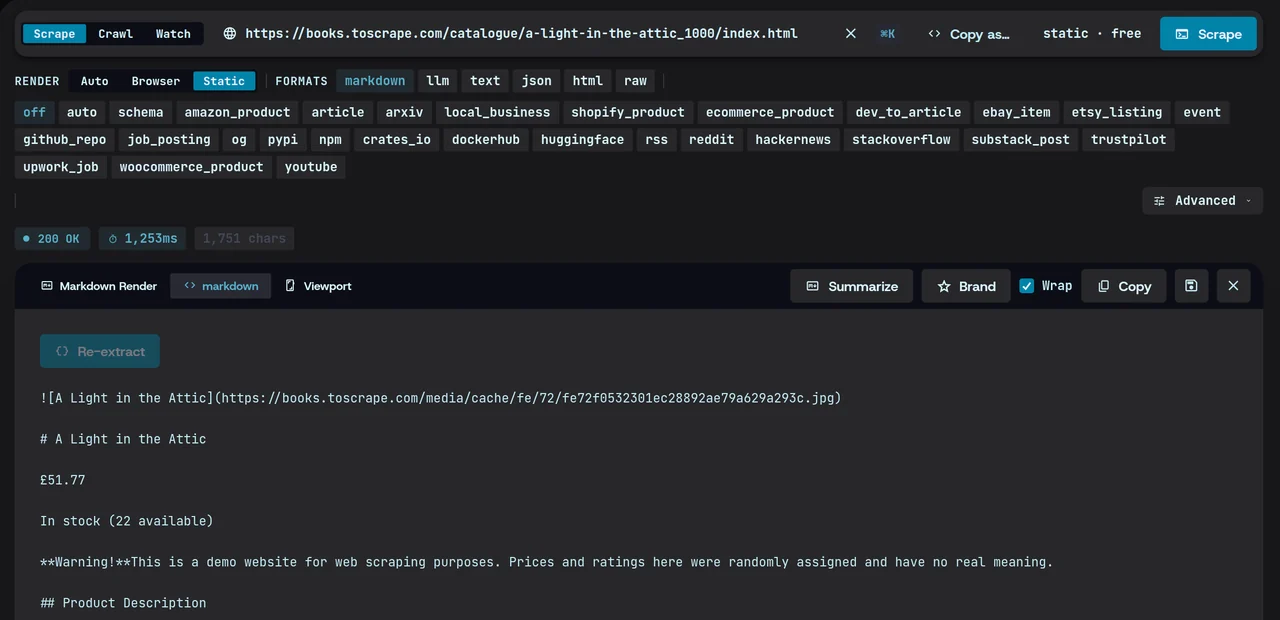
JavaScript-rendered pages, handled.
Magpie loads the page in a real browser when it needs one, so content that scripts add arrives with the rest.
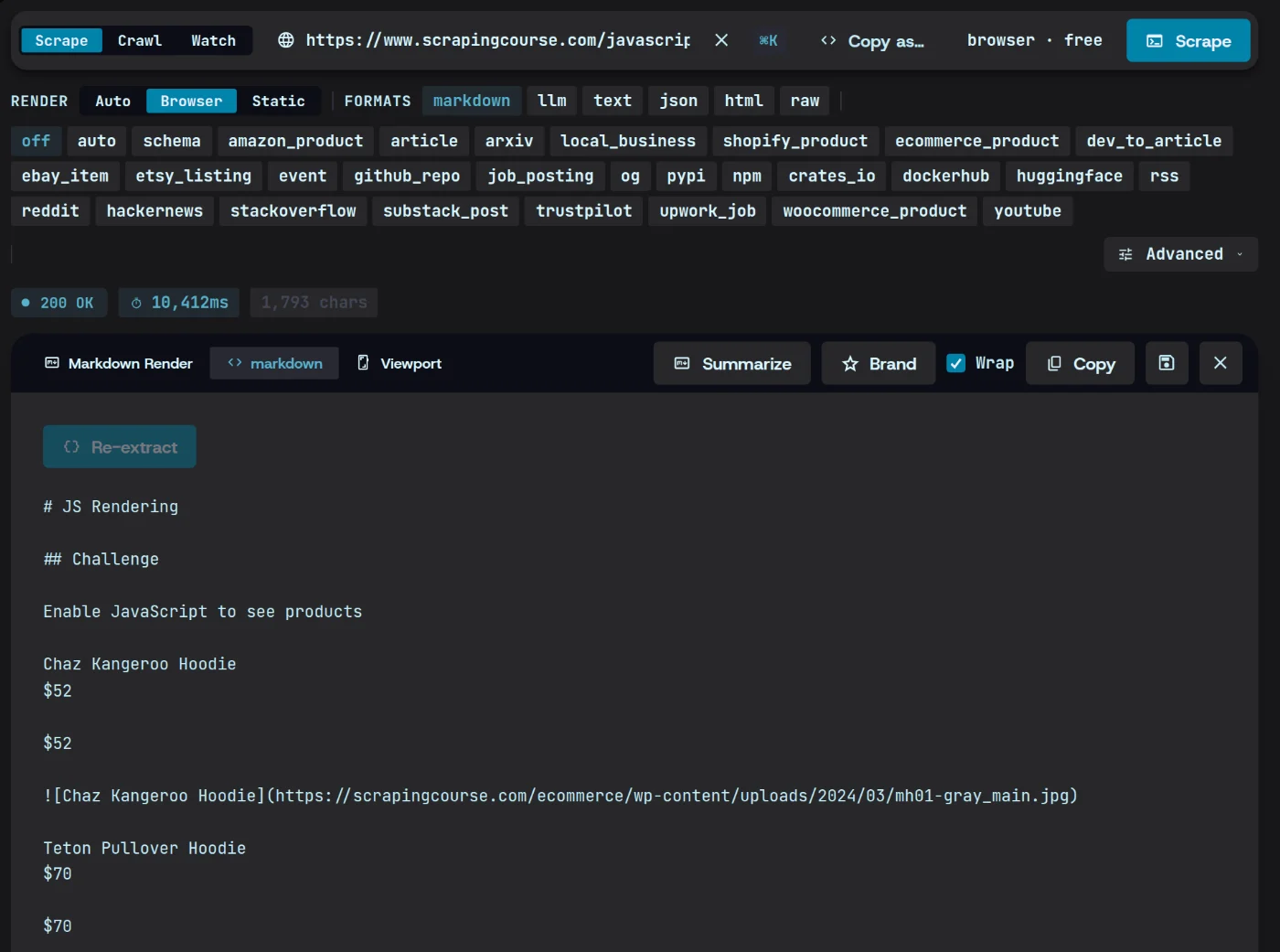
Target exactly what you need.
Point at elements with a CSS selector or describe them in a schema. Everything else stays out of the output.
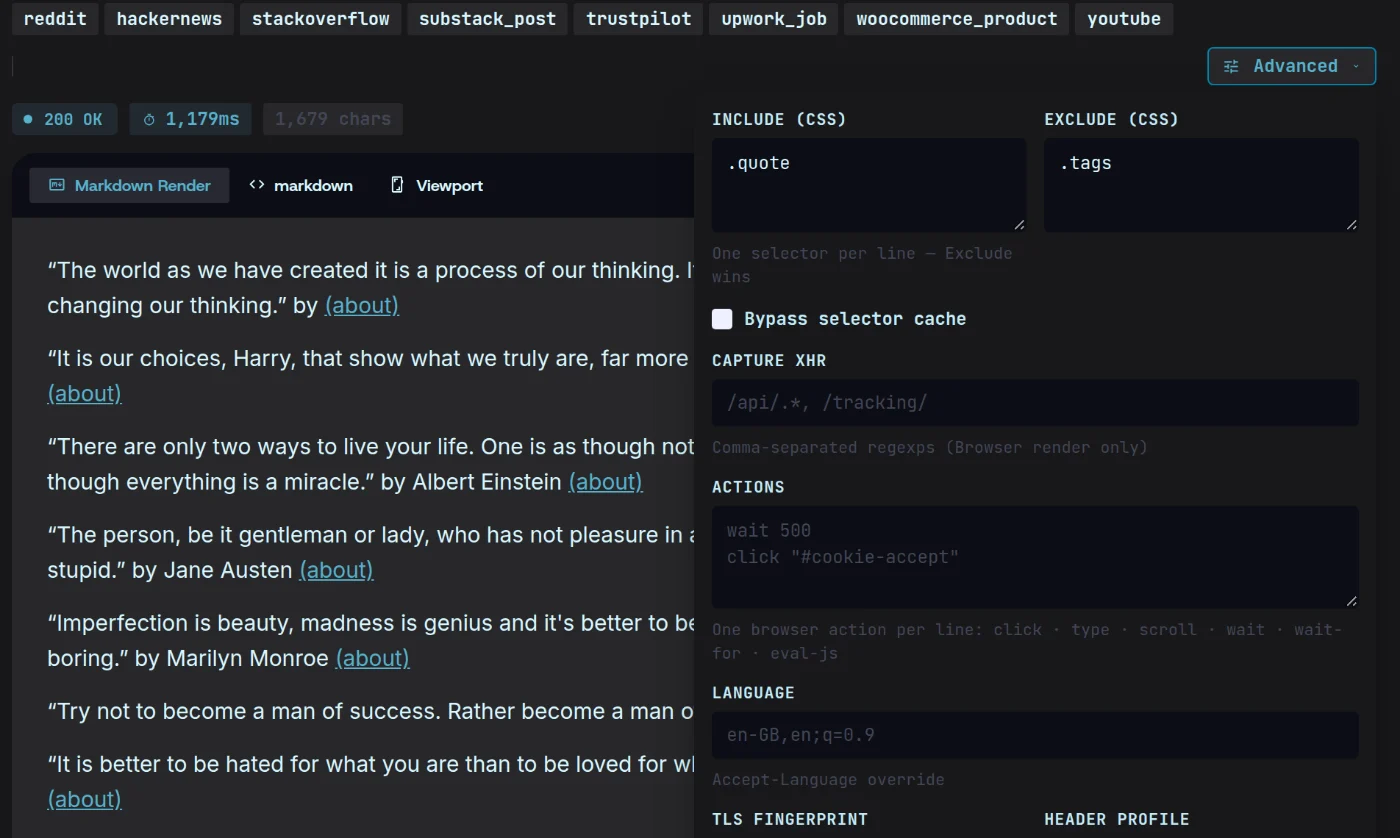
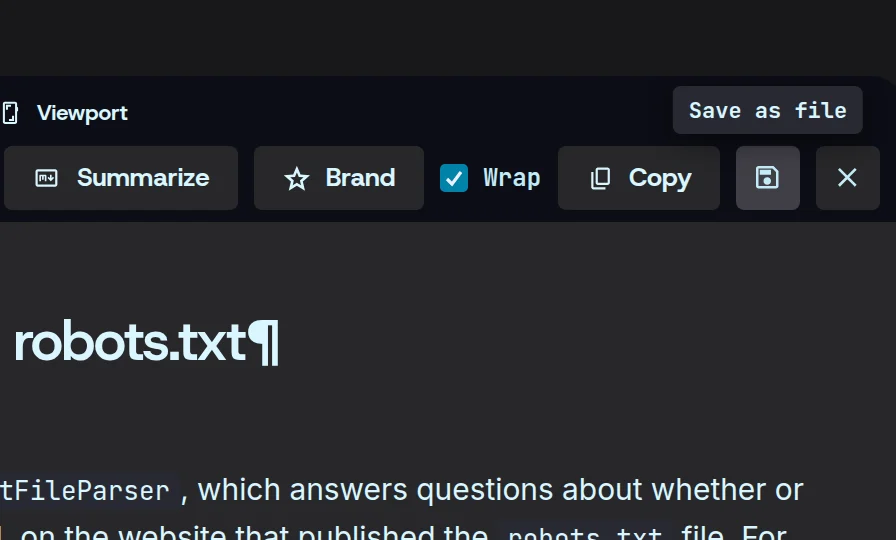
See it before you save it.
The clean result opens in the app, rendered or raw, the moment the scrape lands. Save it as a file only once it looks right.
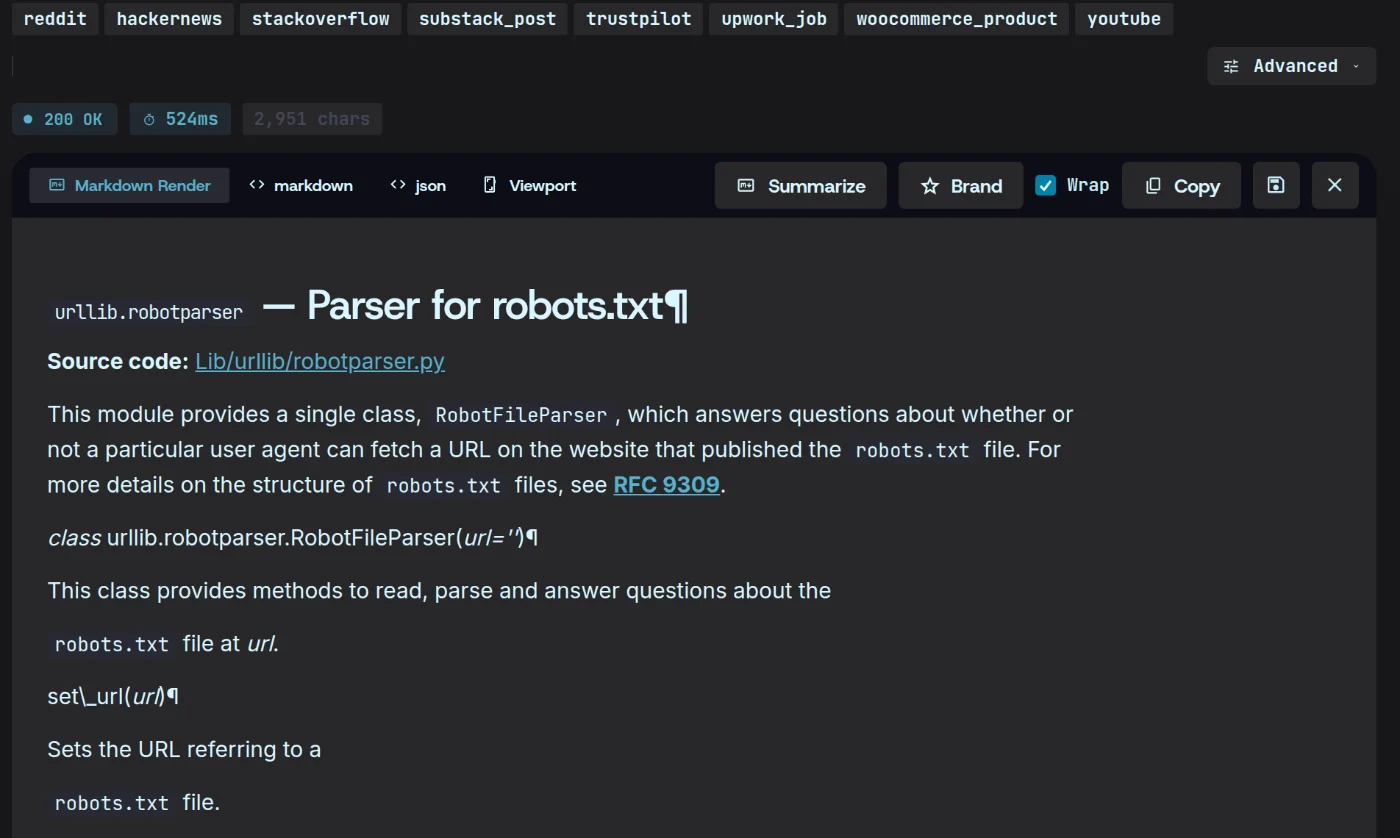
Scrape a page in three steps.
- 01
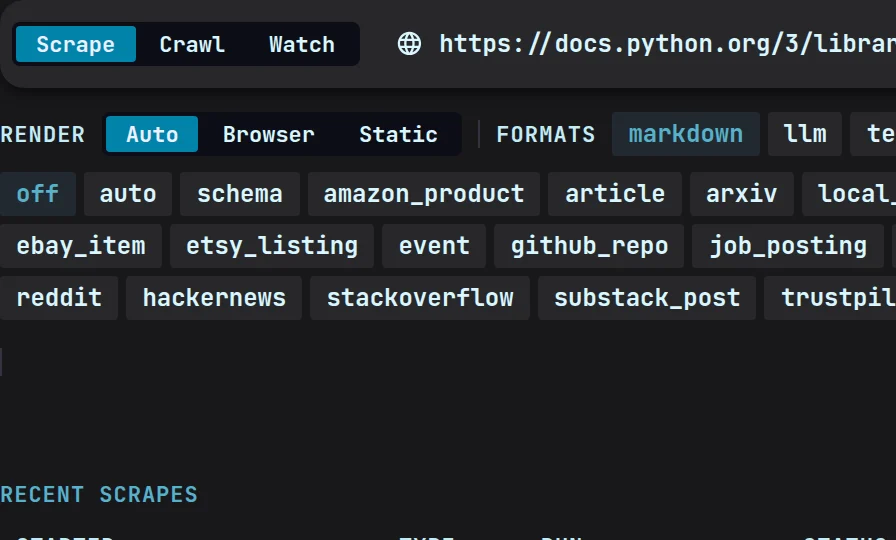
Paste a URL
Any public page, or one behind a login you’ve captured.
- 02
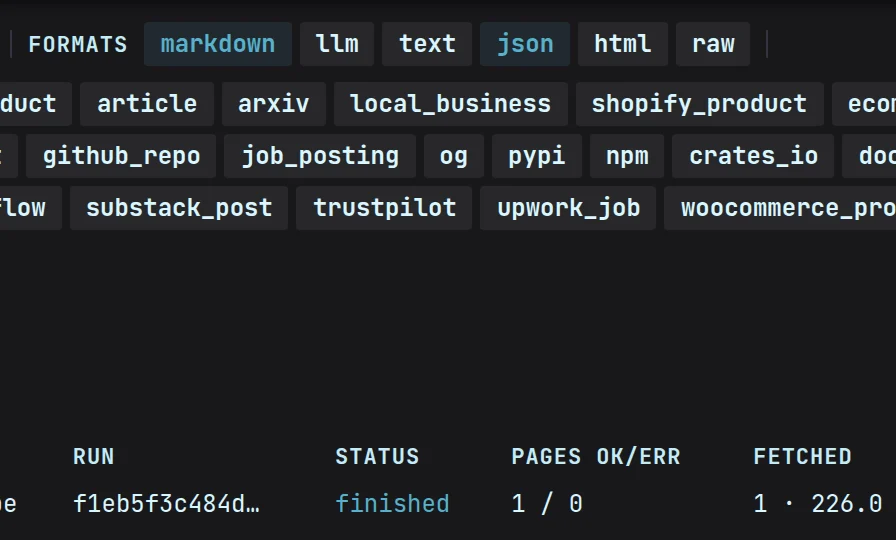
Choose the output
Markdown to read, JSON for code, a screenshot for the record.
- 03
Preview and export
Check the result, then keep it in your local cache or export it.
Scraping, answered.
More in the docsDoes it work on JavaScript-heavy sites?
Yes. Pages that need JavaScript load in a real browser on your machine before Magpie reads them, so script-loaded content is included.
Can I scrape pages behind a login?
Yes. Log in once in a browser window Magpie opens — two-factor and single sign-on work as usual — and the session is sealed in your OS keyring. Later scrapes of that site use it automatically.
Is there a limit on how many pages I scrape?
No. $49 a month covers every engine with no page, credit or request limits — your machine does the fetching, so there’s nothing to meter.