Watch pages. Get diffs. Fire webhooks.

Magpie checks pages on a schedule and tells you what changed.

Download free for Windows, macOS and Linux

No credits. Your machine. Your keys.

in
a URL + a schedule
out
diff · webhook on change
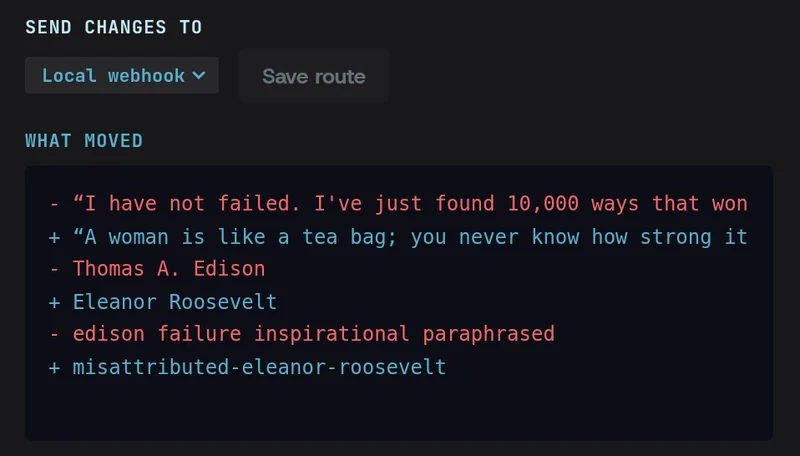
A Magpie watch on quotes.toscrape.com/random sending its changes to a local webhook, with the latest diff: one quote and author removed, another added.

Change detection on your schedule.

Choose how often each page is checked. Every check is compared with the last, and anything that moved is flagged.
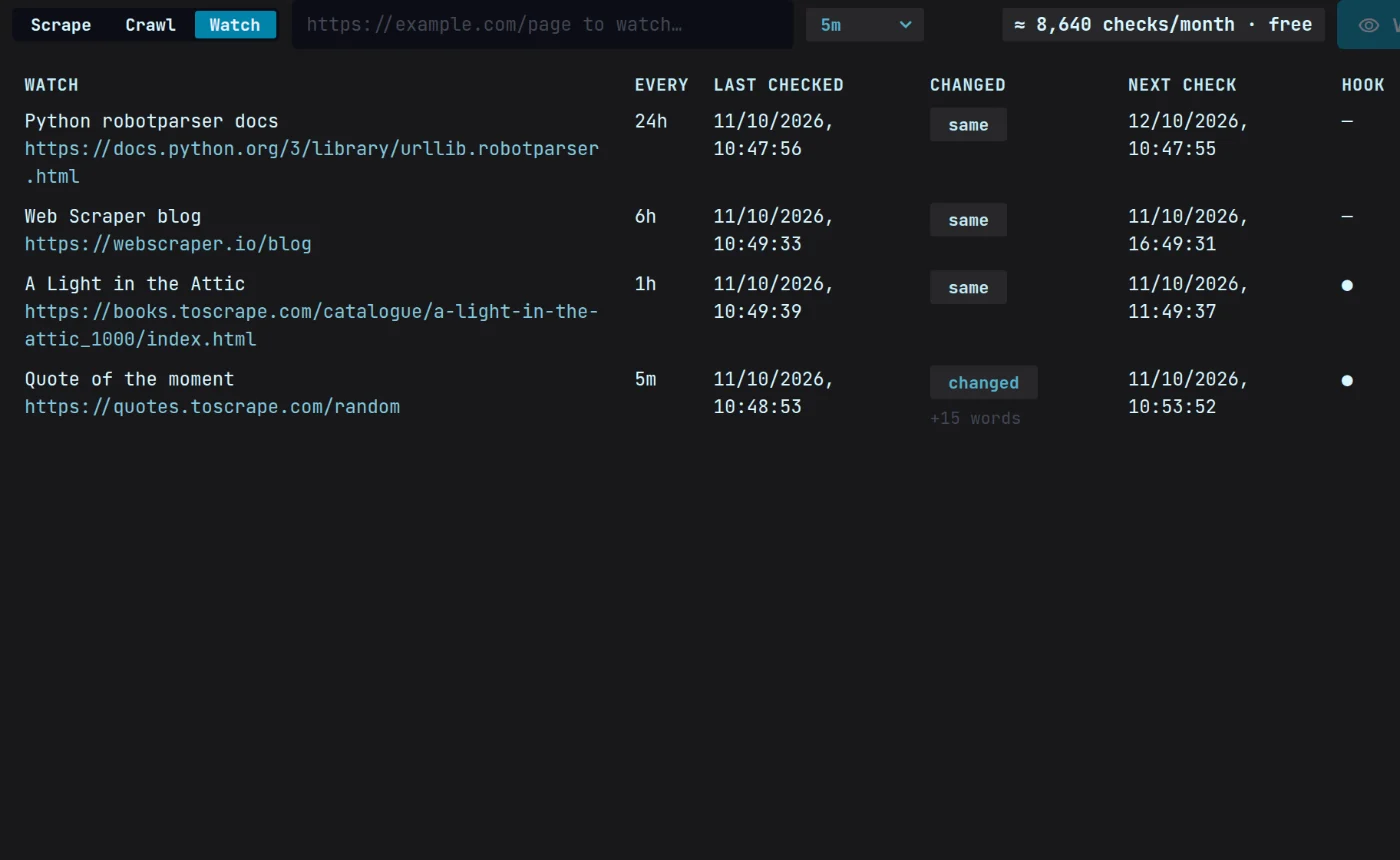
Four Magpie watches and their schedules — Python docs every 24 hours, a blog every 6, a book’s page every hour, a quote page every 5 minutes — with when each was last checked, whether it changed and the next check.

Diffs a person can read.

Changes show as added and removed text, not a wall of markup, so a price drop reads as a price drop.
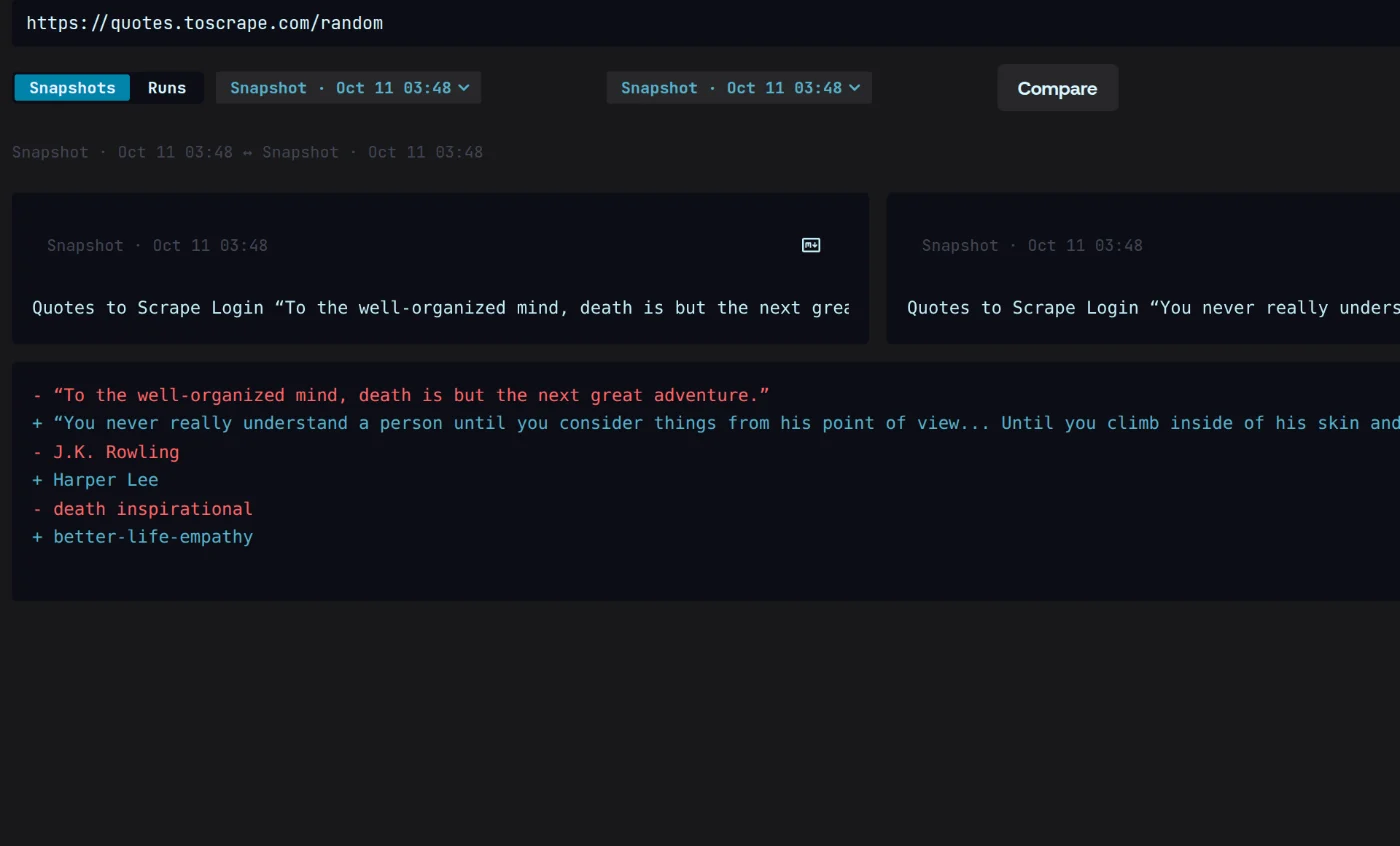
Compare on two snapshots of quotes.toscrape.com/random: the old quote, author and tags in red, the new ones in green.

A webhook when it matters.

Magpie fires your webhook when a check finds a change, not on every check, and signs every request.
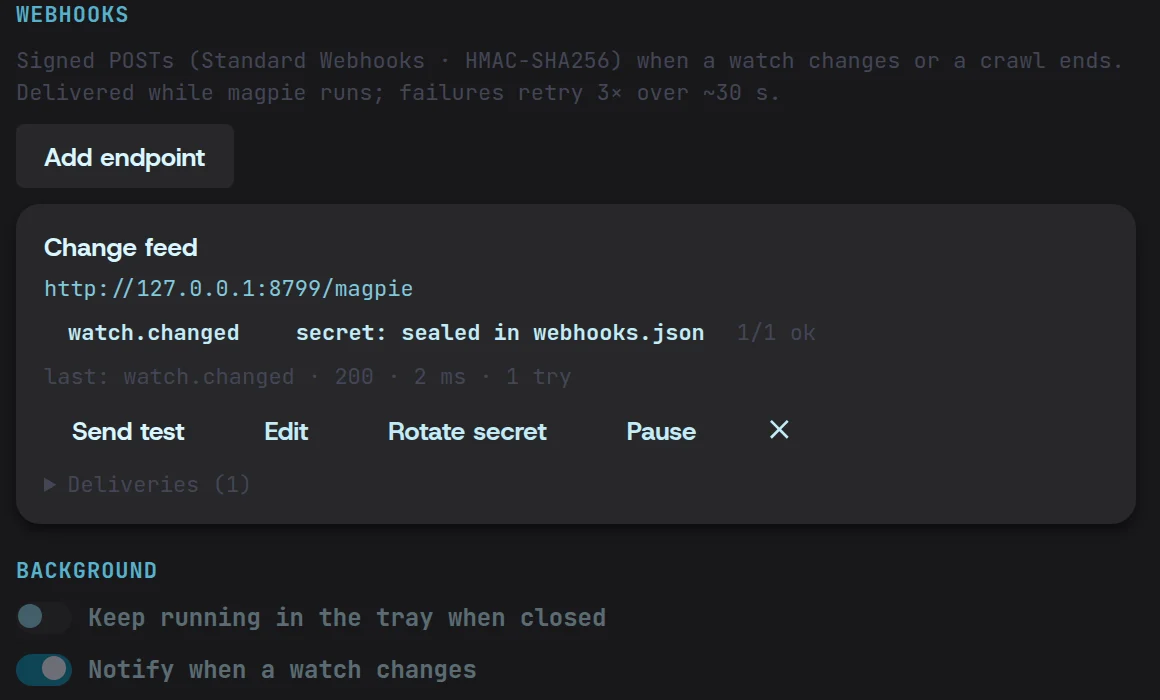
The Change feed webhook in Settings: watch.changed events to a local endpoint, its signing secret sealed, the last delivery 200 in 2 ms on the first try.

Set up a monitor in three steps.

  1. 01

    Pick a page

    Paste the URL to watch. Magpie keeps a first snapshot to compare against.
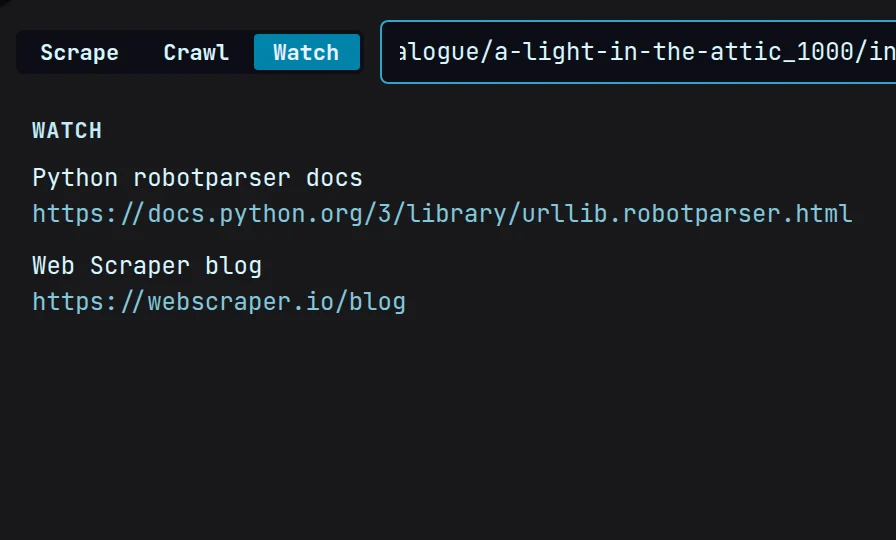
    Watch’s add bar with a books.toscrape.com product page pasted in, above the two pages already watched.
  2. 02

    Set the schedule

    Choose how often Magpie checks. Each check is compared with the one before.
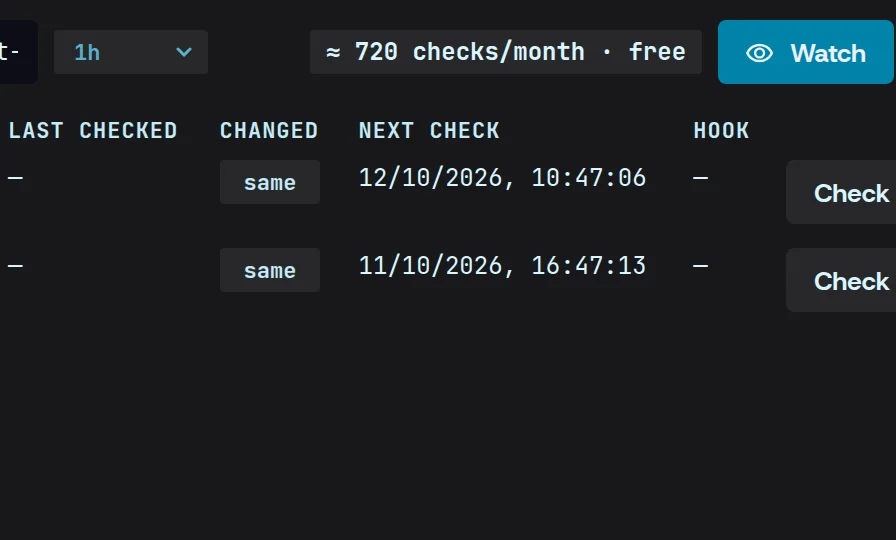
    The schedule set to every hour — about 720 checks a month — beside the Watch button.
  3. 03

    Add a webhook

    Point it at your endpoint. Every change Magpie finds is sent there, signed.
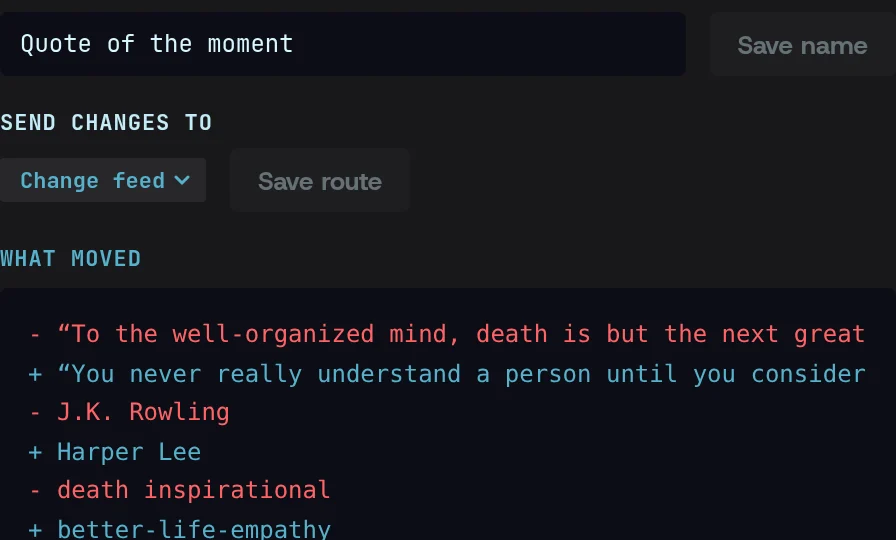
    A watch routed to the Change feed webhook, with the change it just sent: one quote and author swapped for another.

Monitoring, answered.

More in the docs
What counts as a change?

Any difference from the previous check. The diff shows what was added and removed, and your webhook fires on every change it finds.

Where are the snapshots kept?

On your machine, in Magpie’s local store beside your other runs — Settings › Data shows the folder. Nothing is uploaded.

Is there a limit on watched pages?

No. Watch as many pages as you like. Checks run on your machine while Magpie is open or in the tray, so leave it running in the background for checks overnight.

Stop renting credits.

One flat price, your machine, your keys.

Download free for Windows, macOS and Linux

Windows · macOS · Linux $49/mo flat, cancel anytime